
 admin
adminIn modern households, finding ways to make screen time both engaging and productive is a common priority for parents and educators. High-quality educational games bridge the gap between entertainment and active learning, helping children develop cognitive, social, and problem-solving abilities within interactive digital environments.
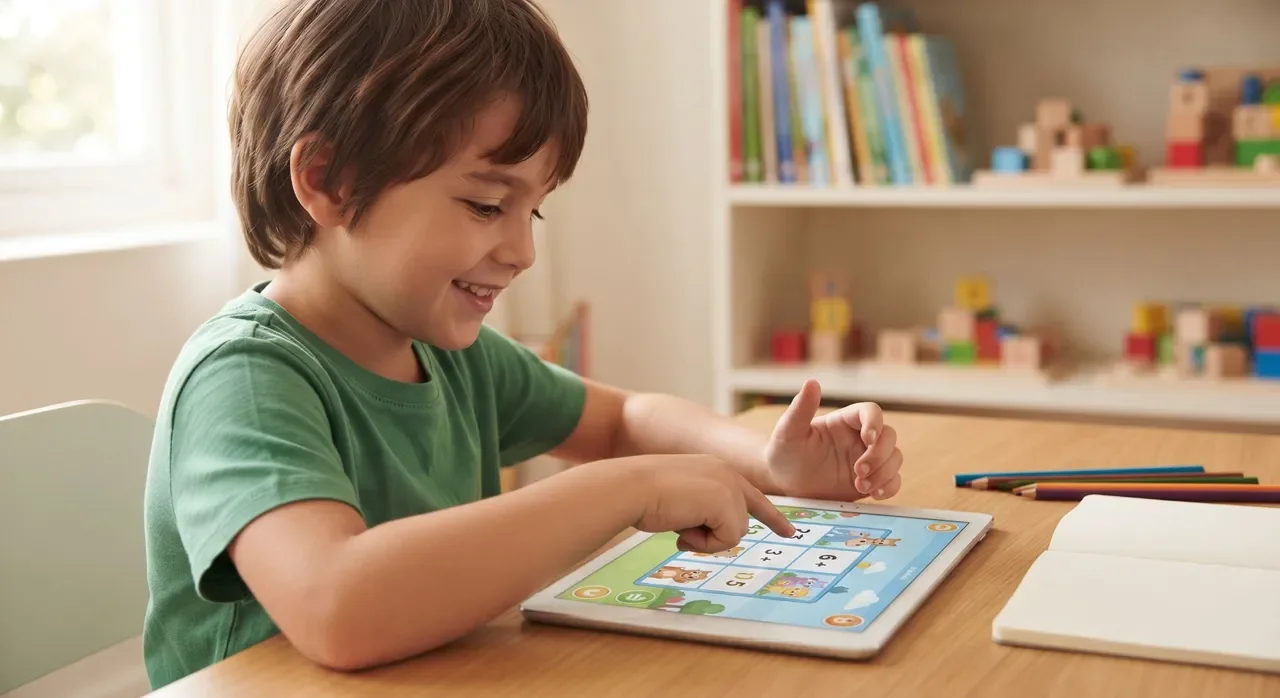
With thousands of apps available across mobile app stores and web platforms, selecting the right options can feel overwhelming. Choosing games that align with a child’s specific developmental stage and organic interests ensures that digital play remains constructive, safe, and motivating.
The Evolution of Digital Learning for Children
Digital learning tools have evolved far beyond basic drill-and-practice flashcards. Modern educational software combines developmental research with engaging design, introducing complex concepts such as early mathematics, reading comprehension, earth science, and foundational programming.
This interactive format allows children to explore concepts at their own pace. By framing learning objectives as puzzles and creative challenges, well-designed games encourage persistence, critical thinking, and independent exploration.
Why Age and Interest Matter in Game Selection
Children develop at different rates, making age-appropriateness an essential filter when evaluating digital games:
-
Cognitive Readiness: Games that exceed a child’s current cognitive or motor capabilities quickly lead to frustration. Conversely, titles that lack sufficient challenge fail to stimulate sustained attention.
-
Capitalizing on Natural Curiosity: Integrating a child’s personal interests—such as animals, space, music, storytelling, or building—keeps motivation high. When learning activities connect directly to themes children already enjoy, practice feels natural rather than mandatory.
Top Educational Platforms and Games for Children
A balanced digital media routine incorporates varied learning formats, from guided literacy paths to creative sandboxes:
| Platform / Game | Focus Areas | Target Age | Key Learning Strengths |
| PBS KIDS Games | Foundational literacy, math, social skills | Ages 2–8 | Free, curriculum-aligned games featuring familiar public media characters. |
| ABCmouse | Reading, early math, art, music | Ages 2–8 | Structured step-by-step learning path with positive reinforcement mechanics. |
| Scratch Jr. | Introductory coding, sequencing, logic | Ages 5–7 | Block-based visual programming that teaches algorithmic thinking through animation. |
| Duolingo ABC | Phonics, alphabet recognition, handwriting | Ages 3–7 | Bite-sized early reading activities focused on letter sounds and word construction. |
| Prodigy Math | Arithmetic, curriculum math challenges | Ages 6–14 | Fantasy role-playing format that integrates standardized math problems into gameplay. |
| Minecraft Education | Spatial reasoning, STEM, collaboration | Ages 7+ | Open-ended sandbox environment supporting introductory coding, chemistry, and history exploration. |
| National Geographic Kids | Geography, natural science, wildlife | Ages 6–12 | Visually rich quizzes, games, and multimedia focused on biodiversity and global habitats. |
| Kahoot! | Trivia, general knowledge, recall | All Ages | Game-show style quizzes suitable for family challenges and collaborative study. |
| Toca Life World | Storytelling, emotional expression | Ages 4–12 | Open-ended digital dollhouse that encourages narrative building and social exploration. |
Practical Guidelines for Parents
-
Check for Ad-Free Environments: Opt for platforms with closed ecosystems, transparent privacy policies (such as COPPA compliance), and zero third-party behavioral advertising.
-
Prioritize Active Over Passive Play: Select titles that require decision-making, creative construction, or problem-solving rather than passive media consumption.
-
Play Together Initially: Co-playing during the first session allows parents to assess the game’s difficulty, clarify game mechanics, and reinforce key concepts introduced on screen.
-
Establish Healthy Routine Boundaries: Pair screen sessions with offline creative activities, physical movement, and hands-on reading.
Frequently Asked Questions
What age is appropriate to introduce educational games?
Simple interactive games can be introduced around age two or three, focusing on basic motor coordination, color identification, and simple cause-and-effect puzzles. Media guidelines recommend keeping early sessions brief and interactive with adult guidance.
How do I know if an educational game is truly effective?
Effective titles encourage children to ask questions, experiment with multiple solutions, and explain what they are doing. If a game relies purely on flashing animations and repetitive tapping without teaching underlying principles, it functions more as passive entertainment.
Are subscription-based platforms worth the cost?
Subscription services frequently offer ad-free environments, verified curriculum standards, and multi-profile tracking for families with several children. However, many exceptional resources—including PBS KIDS Games and Scratch Jr.—remain completely free and provide equal educational value.
Leave a Reply
Your email address will not be published. Required fields are marked *